


This tip is meant to save yourself a little time (every second counts, right?) when completing forms in CRM.
Sometimes fields can be filled in on forms by default if the response is typically true under X condition(s). For example–you might know that if an opportunity or lead is related to Product X or Y, it applies to Business Unit A, while if the interest is in Product Z, it applies to Business Unit B. You use a Business Rule on a form to set the conditions and default values. Being default values, they can be changed after they are set. Read More
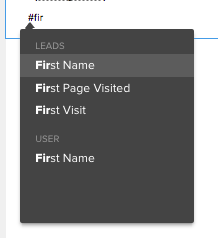 Then you just have to click on “First Name” to insert the First name merge tag.