The search bar at the top-center of Microsoft Teams can be used as more than a search box–there are quite a few commands and shortcuts that can be used here to navigate and work efficiently. With just a few keystrokes, you can change your status, view all of your mentions, or even save a quick note to your personal Wiki page!
You can use both “@” and “/” to access two different command menus.
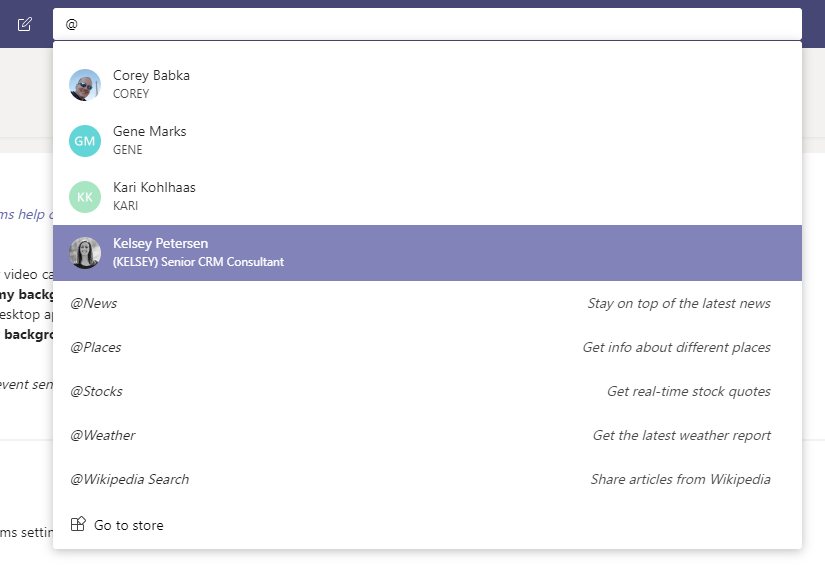
The @ symbol gives you shortcuts to people in your organization and news, weather, Wikipedia, etc:
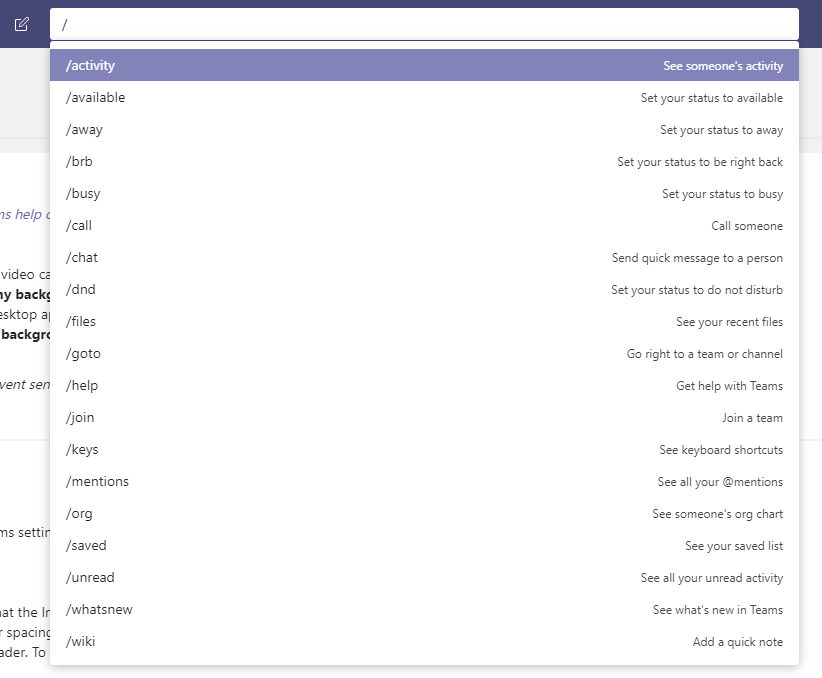
The / symbol gives you a different command menu with quick actions for each shortcut:
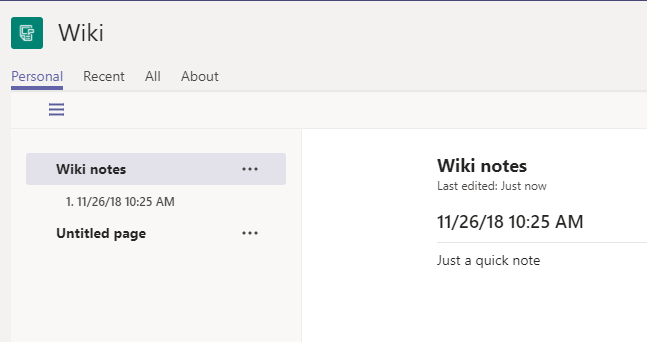
For example, if you type “/wiki” and hit enter, you can jot down a quick note. Hitting enter again will save the note to your personal Wiki. Hitting enter a third time will take you to your new note:
a. 
b. 
c.