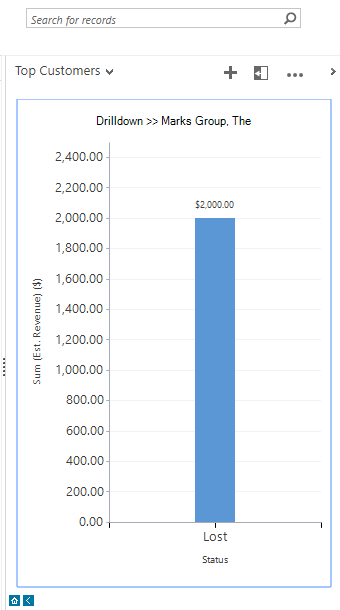
The Charts Pane is available from any View in most Entities, but is often hidden on the side and easy to overlook. This pane provides a quick, high-level view of any single System Chart for that entity.
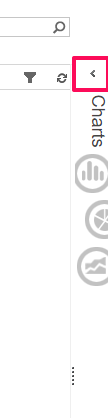
Expand the Chart Pane:
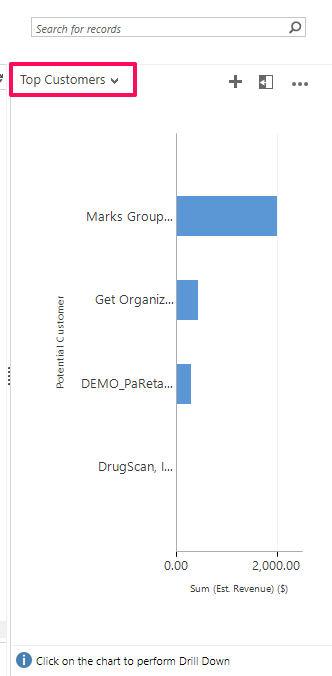
You can view or change the Chart from the drop down menu:
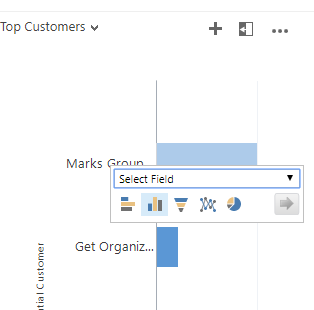
You can actually drill down into this chart by selecting the data in the chart:
Here, we drilled down into The Marks Group Customer Record, looking specifically at the “Status” field: